Having elementary school children means homework becomes part of the daily routine. Kids do it, parents help with it, and sometimes a tutor is involved. Homework can feel new, challenging and occasionally frustrating for the whole family.
I’ve never been a big fan of homework, but our school keeps it reasonable. In first grade it’s usually one worksheet and some reading each night, which is manageable. Still, the first experience with regular homework was the hardest for both of my kids. They’d never had to do something like this consistently, so they had to learn not only the material but also what homework even means.
When I say this homework hack has changed our afternoons, I’m not exaggerating.
Last week a single worksheet with five questions took nearly an hour and a half. After I started using this approach, the same kind of homework took twenty minutes.
We’d been working on time management with our youngest and I created a simple morning routine checklist to help him get ready independently. When those routines started taking longer, I decided it was time to add a timer. But not just any timer.
As an Amazon Associate I earn from qualifying purchases.

A smiley, homework-friendly afternoon
My son is six and can tell time, but he doesn’t grasp the abstract concept of time yet. “Thirty minutes” doesn’t mean much to him; anything beyond yesterday seems like last year. That’s why visual timers made so much sense to me.
This is not a sponsored post; I sometimes use affiliate links and may receive payment on purchases made through them.
My Game-Changing Homework Hack
What my child needed was a way to watch time visibly disappear. A normal countdown clock didn’t help, so I looked into visual timer apps and found a children’s countdown timer that works brilliantly for us. The app is free and simple: instead of a plain clock face, it progressively reveals pictures as time passes.
The app lets you add or subtract short increments of time and finishes with a playful confetti celebration and sound effects tied to the revealed images. For a child who is motivated by seeing something change, this visual cue is far more effective than an alarm alone.
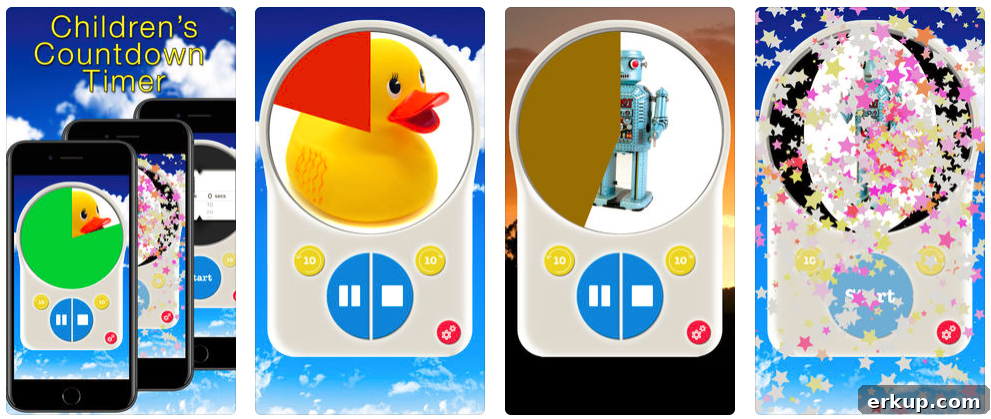
This tactic has made a big difference. I have two boys who approach homework very differently—one procrastinates, the other rushes through it. For my youngest, who enjoys watching each picture appear, we set the timer for three minutes per question. I let him control the timer when he can stay focused, which gives him ownership and speeds things along.
This countdown-style approach has saved our afternoons. When a child knows the work is within their ability, a visual timer helps them move through it far more efficiently. I’m careful not to rush kids who genuinely need extra time, but when a simple word like “and” takes twenty minutes, a little structure helps.
The app is free with ads and offers optional picture-pack purchases. There’s also a low-cost option to remove ads and unlock all images if you prefer an ad-free experience.
Non-Screen Visual Timers
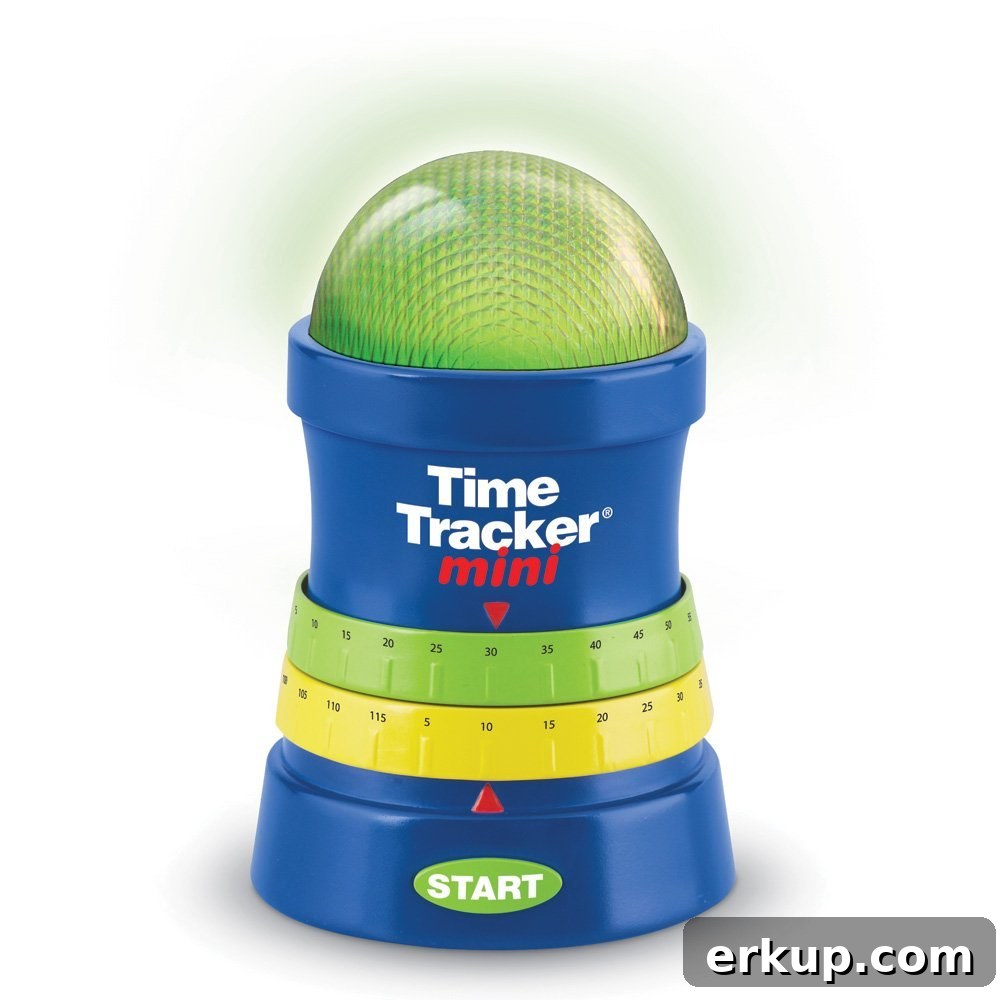
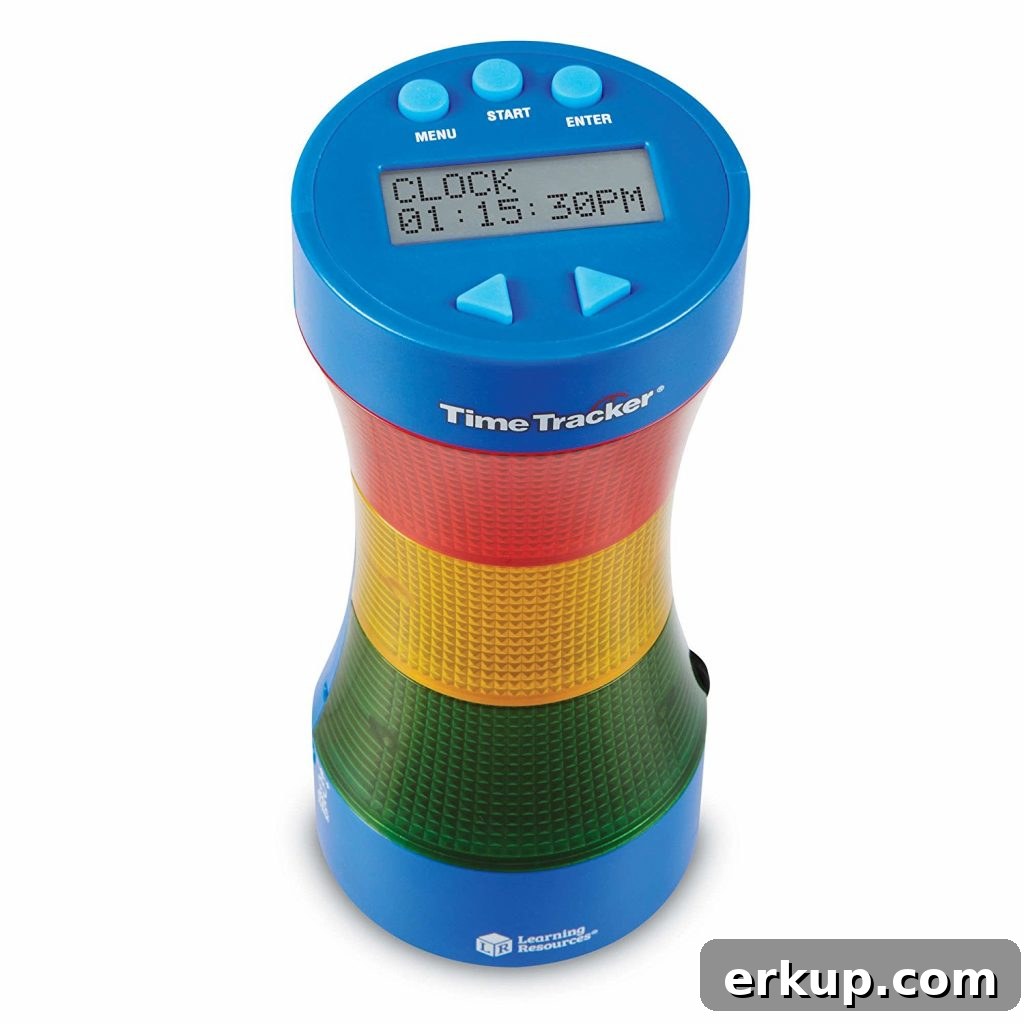
If you prefer a timer that isn’t on a phone or tablet, there are non-screen options that work well in classrooms or for multiple children. These visual timers use color changes—green to yellow to red—to represent remaining time and often include a warning dial or small alarm. They can be helpful for older kids who are learning to connect the passage of time with actual clock time.
FREE Morning Routine Checklist Printable!
Below is a copy of our morning routine checklist that helped my son become more independent. Feel free to print it and customize the blank spaces for your family’s needs. It’s simple, practical, and helps build consistent habits.
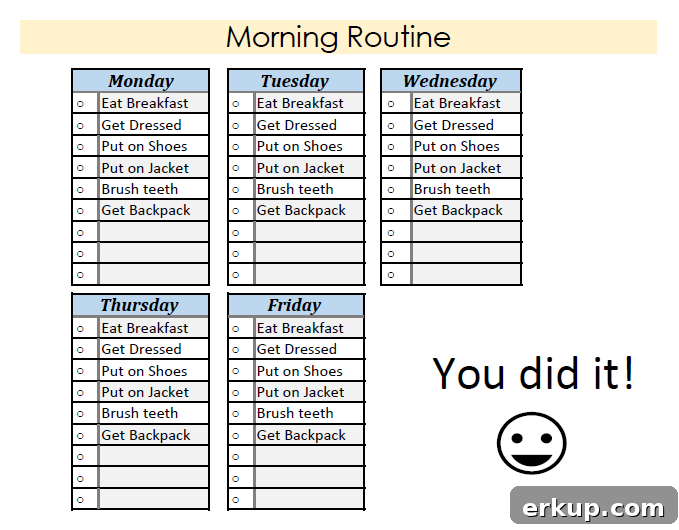
I’m always excited to share strategies that actually work. If you have homework hacks or time-management tips that make life easier, I’d love to hear them in the comments. Small changes—like a visual timer and a clear checklist—can make after-school time calmer and more productive for the whole family.
Share and Save for Later